![content.buywithvan.comhs-fshubfsvan-logo-white-1.png]](https://knowledge.buywithvan.com/hs-fs/hubfs/social-suggested-images/content.buywithvan.comhs-fshubfsvan-logo-white-1.png?width=120&height=48&name=content.buywithvan.comhs-fshubfsvan-logo-white-1.png)
Inside the VDP, most of the sections can be collapsed for in order to hide unwanted information and gain screen space.
You'll be able to recognize if a section is collapsed or enabled depending on the direction the Chevron icon shown on the section title bar is pointing at.
Expanded sections
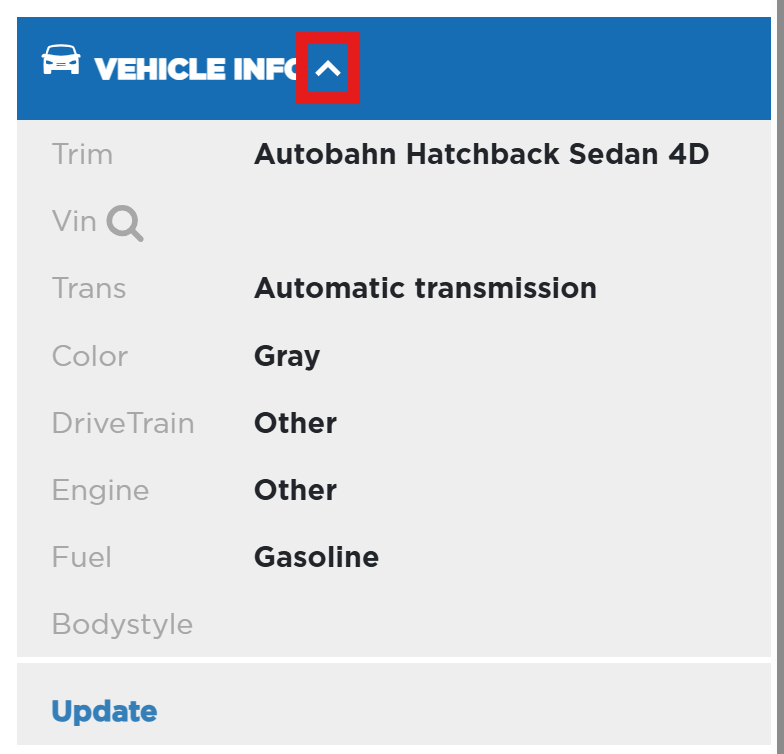


As you can see in all cases, the Chevron icon (marked on red in the images) is pointing up when the section is expanded.
Notice that, even when the section has no information, it will still have a small gray area visible if it is expanded (as in the Tags section example).
Collapsed Sections



In collapsed sections cases, the Chevron icon is pointing down and the sections have nothing shown below their title bars.