![content.buywithvan.comhs-fshubfsvan-logo-white-1.png]](https://knowledge.buywithvan.com/hs-fs/hubfs/social-suggested-images/content.buywithvan.comhs-fshubfsvan-logo-white-1.png?width=120&height=48&name=content.buywithvan.comhs-fshubfsvan-logo-white-1.png)
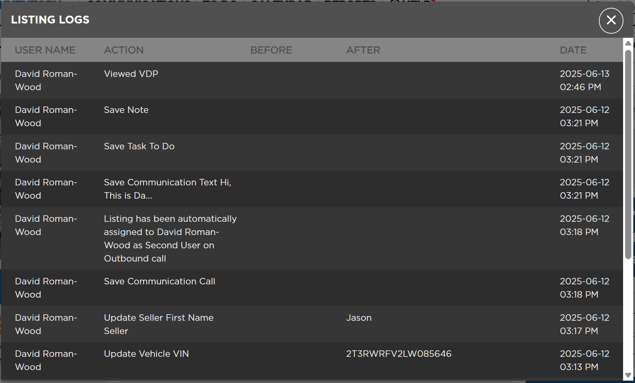
Listing Logs
The Logs button allows users to view any changes made to the VDP since its creation. 
Here you'll be able to see the user who made changes, the action that was taken, and the date and time that the edit was completed.
vAuto integration
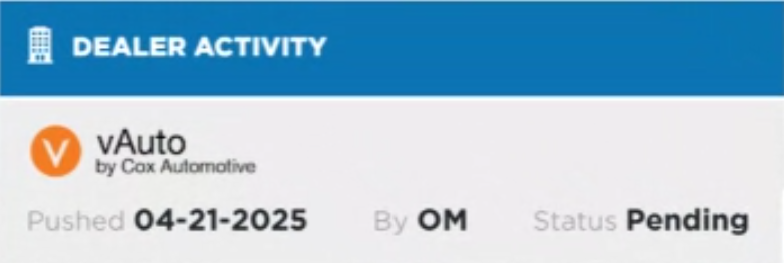
Appraisals
If the client has an integration with vAuto - Appraisal for the current listing is pushed to their platform, the information from that push will be shown in this section of the VDP as shown below:
ProfitTime
This integration has been discontinued in June 2025
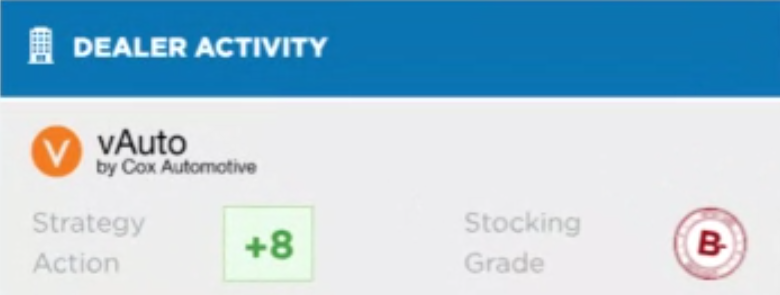
Another integration with vAuto was ProfitTime, that returned a listing Strategy Action and Stocking Grade given the Year, Make and Model of the listing.